Blog
Guides, tips, and product updates.
Learn how to get more out of PrecisionSpend, from importing your first transactions to exporting clean reports for tax time.
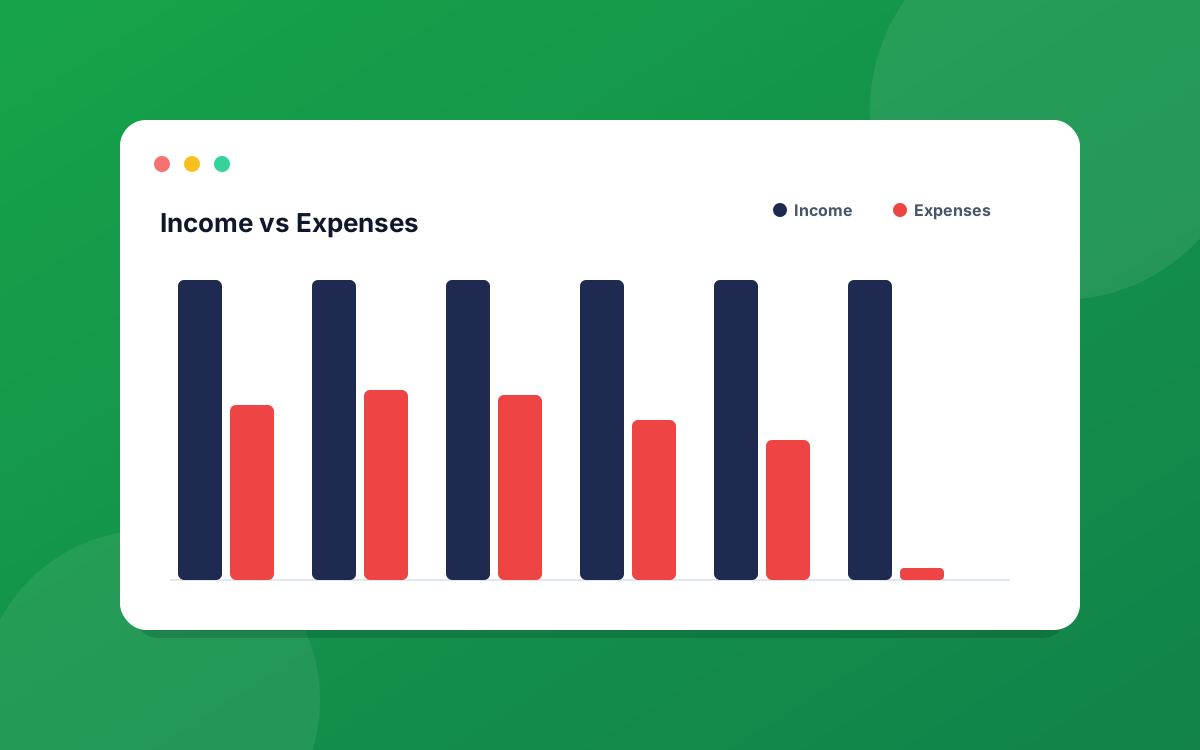
Dashboards & Reports› Cash Flow
Reading the Cash Flow report
The Cash Flow tab answers the big question: are you keeping more than you spend? Here is what each KPI, chart, and the monthly summary table is telling you.
PPrecisionSpend Team5 min read
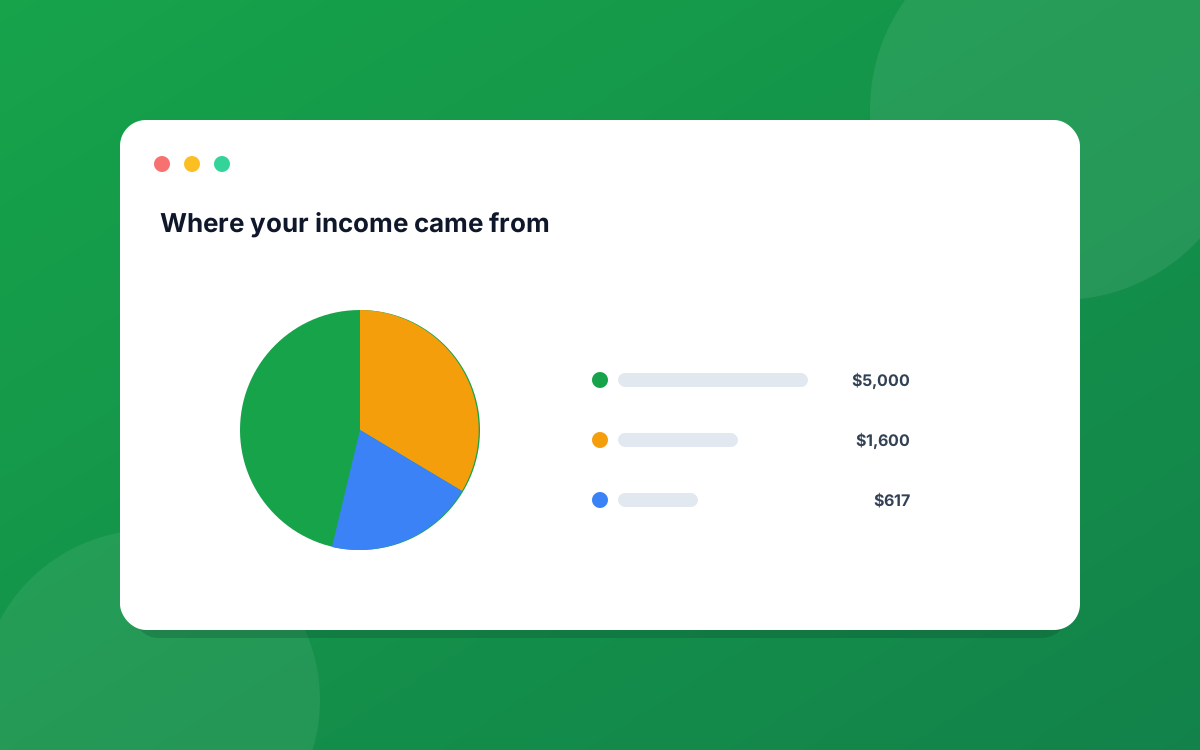
Dashboards & Reports› Income
Reading the Income report
The Income tab shows where your money comes from, how your sources stack up, and how this period compares to the last. Here is how to read every part.
PPrecisionSpend Team4 min read
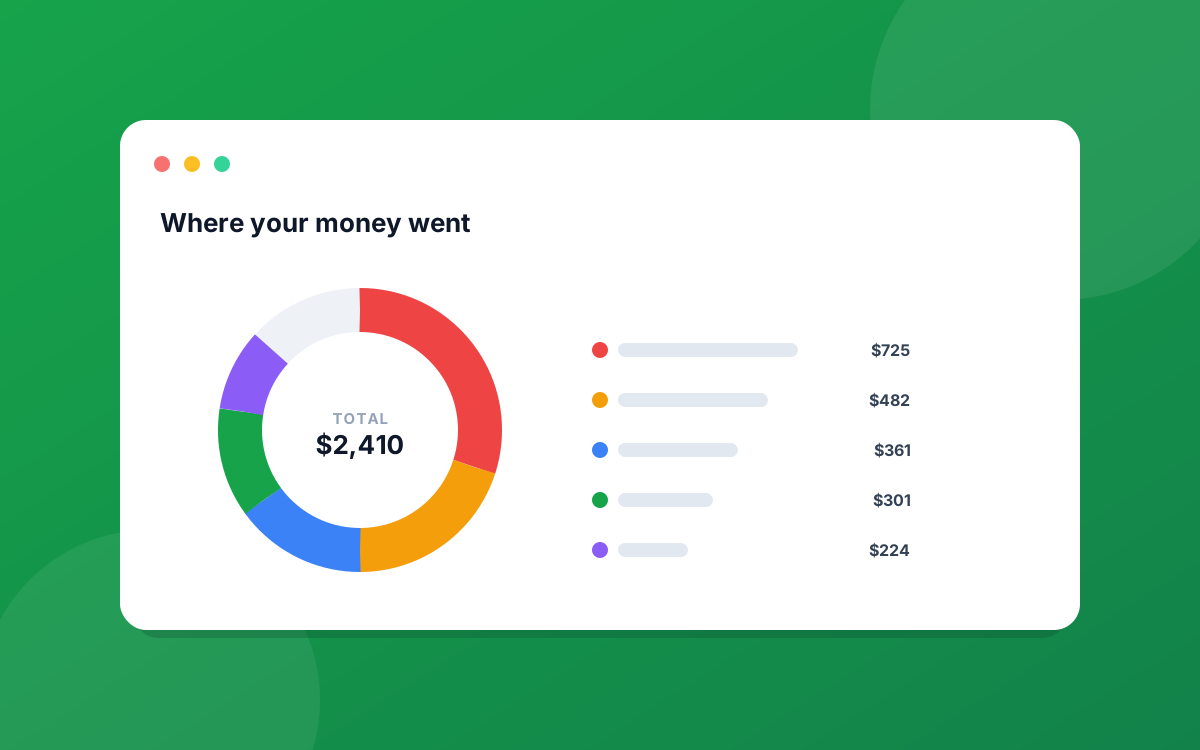
Dashboards & Reports› Spending
Reading the Spending report
The Spending tab breaks down exactly where your money went, by category and over time, so you can see what is really driving your expenses.
PPrecisionSpend Team5 min read
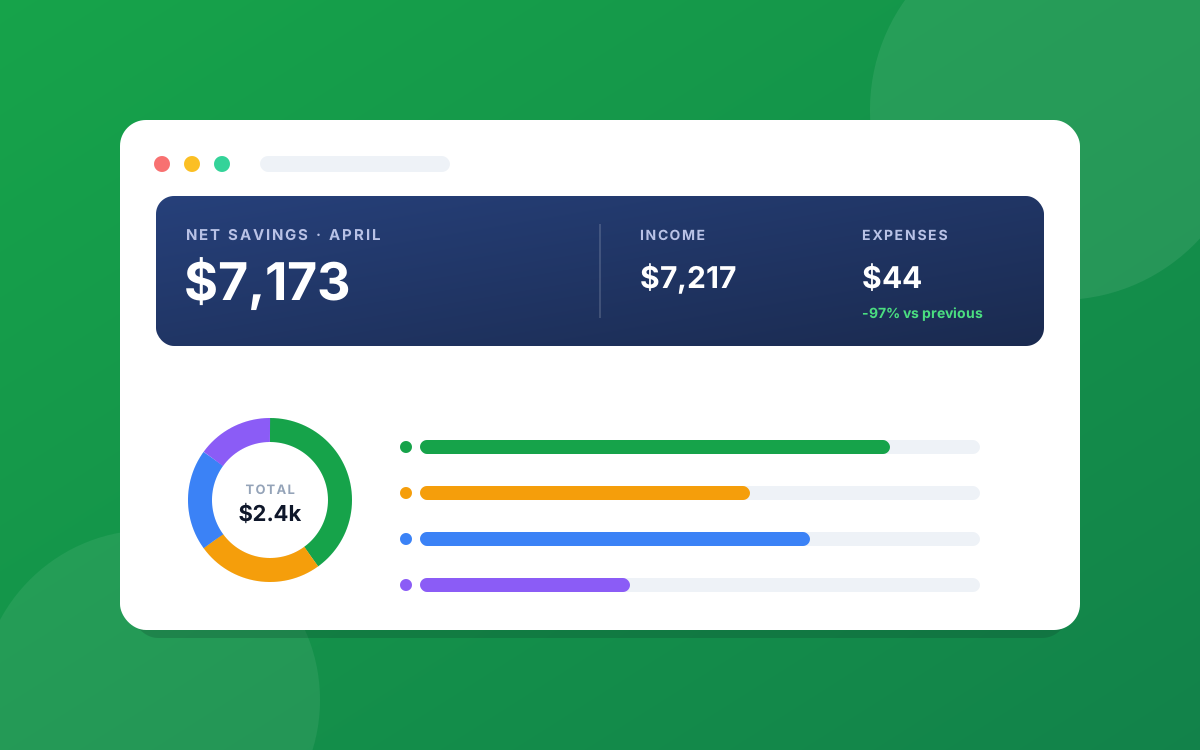
Dashboards & Reports› Dashboard
Understanding your dashboard
A guided tour of the PrecisionSpend dashboard: what every number, chart, and widget on the main screen actually tells you, and how to read it at a glance.
PPrecisionSpend Team6 min read