The Income tab on the Reports page is the mirror image of Spending: instead of where your money went, it shows where it came from. If you have more than one income stream, this is where you see how they stack up.
The four KPI cards
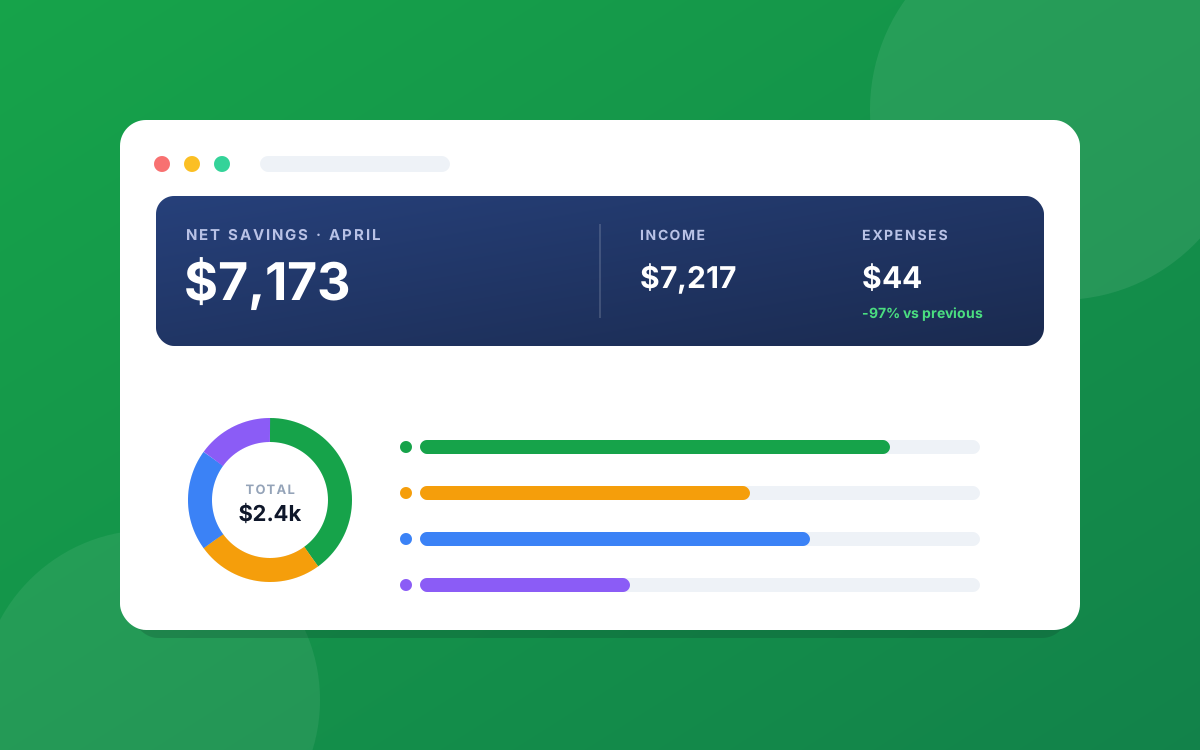
- Income: total money in for the window, with the change versus the prior period.
- Sources: how many income sources were active in the window.
- Top Source: your single largest income stream for the period, with its amount. For most people this is a salary, but a strong side income will show up here too.
- vs Prior: how this period's income compares to the last, as a percentage. Steady income shows a number near zero; a raise, bonus, or extra gig pushes it up.
Where your income came from
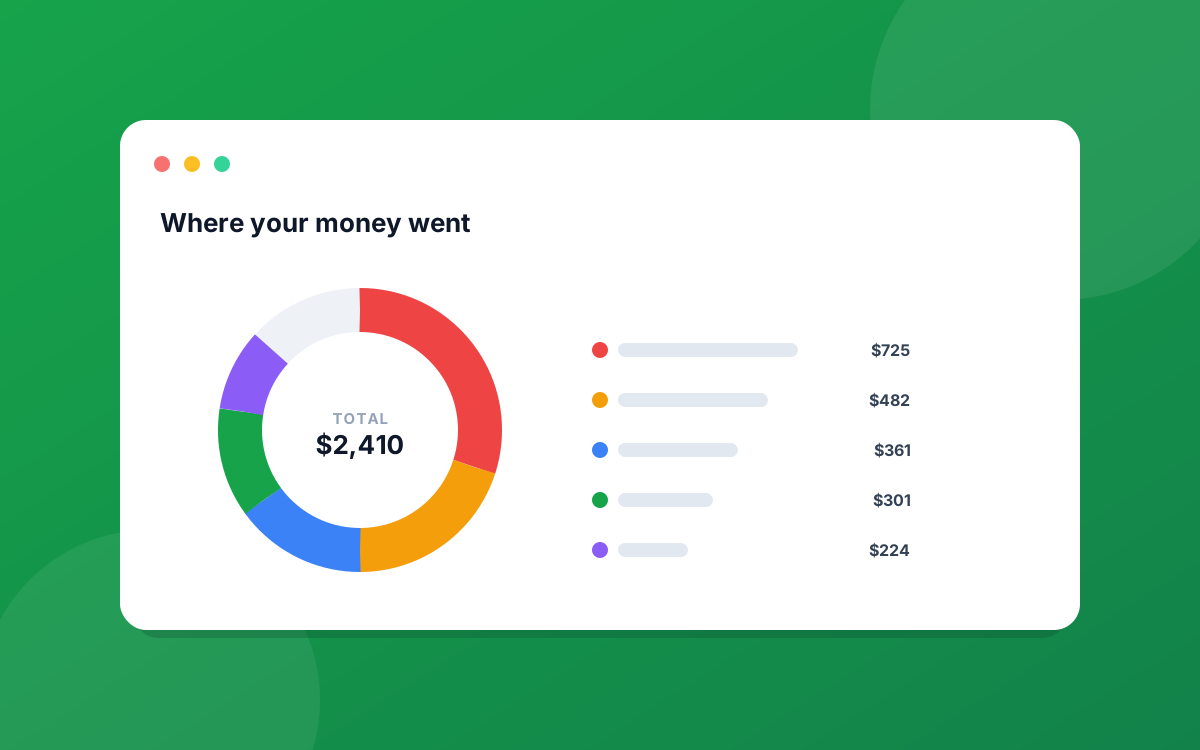
The main card breaks income down by source. Each slice of the chart is one source, and the legend lists them with their amounts, largest first. If you rely on a single paycheck it will be one dominant slice; if you have a salary plus freelance or rental income, you will see how the pieces fit together.
A note on pre-tax income
If you entered a source as pre-tax (gross), the report counts it at the amount you entered, before deductions. That is why your reported income here can look higher than what actually lands in your account. It keeps the number consistent with how you set the source up, and a small note on the tab flags when pre-tax sources are included. If you would rather track take-home figures, enter your sources as after-tax amounts on the Income page.
Change the window
As with the other tabs, the period switcher (Weekly, Monthly, Quarterly, Yearly) and the date range picker drive everything here. Switching the window redraws the KPIs and the breakdown to match.
To get the raw figures, use Export in the top-right for a CSV, PDF, or Excel copy.
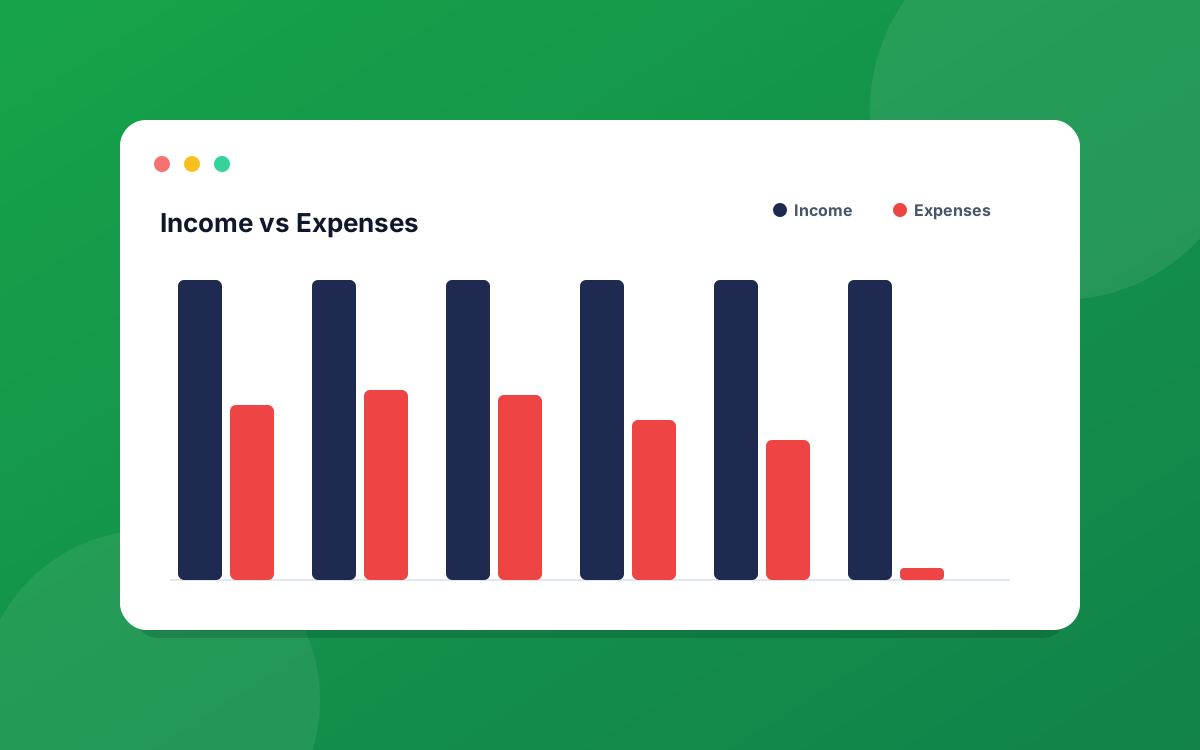
Related reading: the Cash Flow report puts income and expenses side by side, and the Spending report breaks down where it all went.
Ready to put this into practice?
Start your free 30-day trial of PrecisionSpend. Full Pro features, no credit card required.
Get started free