Your data is yours. PrecisionSpend lets you download everything in a format that any spreadsheet app, accountant, or other budgeting tool can read. Here's how, and what each format gives you.
When you'd export
- Tax time: a clean year of categorized transactions for your accountant.
- Sharing with a partner: a PDF summary they can read without installing the app.
- Backing up: your own snapshot in case you want to take a break from the app.
- Switching tools: a CSV that imports cleanly into Excel, Google Sheets, or another budget app.
Open the export dialog
Two ways in:
- Click Export in the dashboard header.
- Or go to Settings → Data & Export → Open export dialog.
Both land you in the same dialog.
Choose your date range
Presets cover the common cases: Last 30 days, Last 90 days, Year to date, All time, or a Custom range. Pick whatever fits the reason you're exporting.
On the free tier, exports are limited to the last 30 days (CSV) or 90 days (PDF, watermarked). Within your 30-day trial or on Pro, you can export any range, including all-time.
Pick the format
CSV
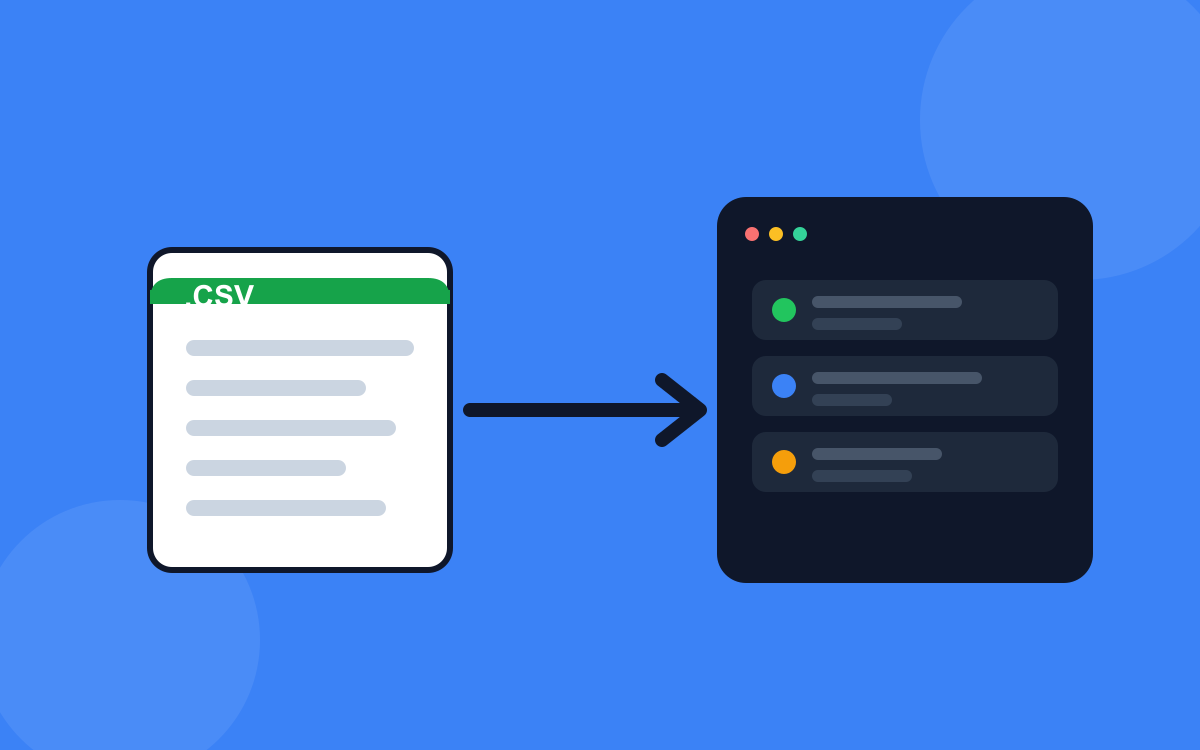
Universal. One file per resource type (Transactions / Income sources / Categories, and you can select multiple). Amount column is signed: negative = money out, positive = income or refund. UTF-8 with BOM so Excel opens currency symbols and accents correctly. This is what you want for an accountant or another budgeting tool.
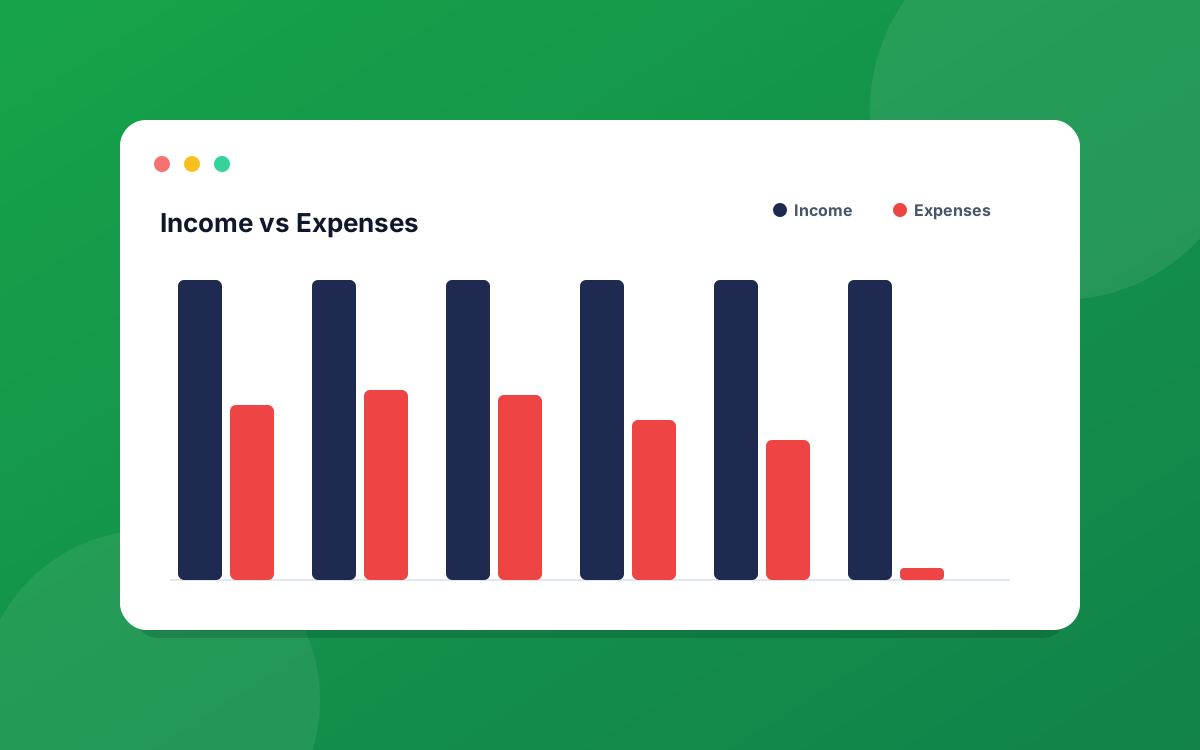
A styled, multi-page report. Includes income / expenses / savings summary cards, top categories, and a transactions table. Easy to read, easy to share. On the free tier, PDF exports carry a faint diagonal watermark; Pro / trial users get clean PDFs.
Excel
.xlsx file with a single Transactions sheet. Good if you want a spreadsheet with native Excel types (dates and amounts as real numbers, not strings), which is better for pivot tables than CSV.
What's in each file
- Transactions CSV: date, description, category, amount (signed), notes, source.
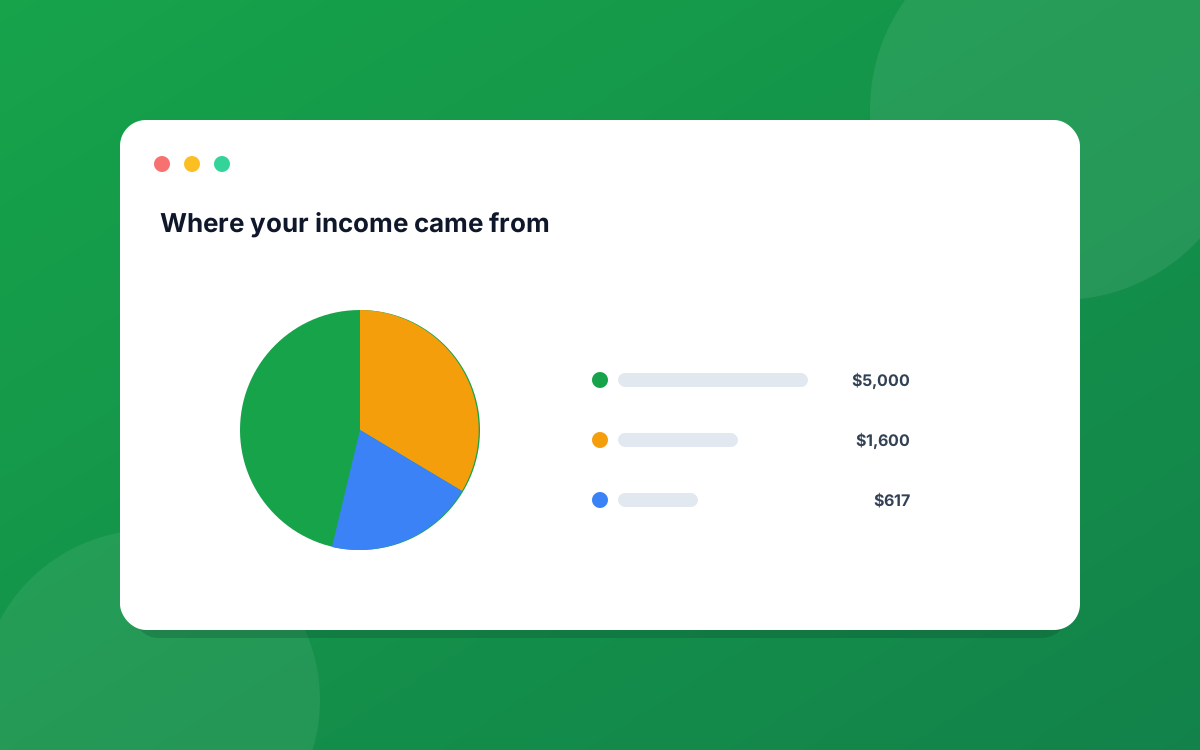
- Income CSV: source name, expected amount, cadence, start date, end date.
- Categories CSV: name, color, icon, monthly budget.
- PDF report: summary cards, top 8 categories, full transactions table for the window. The PDF respects your active theme (green or navy).
Free tier vs Pro export limits
During your 30-day trial, every export option is unlocked. After the trial, on the Free tier, the date window is limited:
- CSV: last 30 days.
- PDF / Excel: last 90 days, PDF watermarked.
- Custom-range exports beyond the cap are disabled with a small lock icon.
- All your data stays in the app regardless. Only the export window is gated.
Upgrade to Pro from Settings → Billing to remove the limit.
A note on privacy
Exports are generated entirely in your browser. The CSV and Excel files are written client-side, so they never round-trip through our servers. Your data stays on your machine.
Need a different format? Tell us what you'd use it for at hello@precisionspend.com and we'll prioritize accordingly.
Ready to put this into practice?
Start your free 30-day trial of PrecisionSpend. Full Pro features, no credit card required.
Get started free